Outpaint
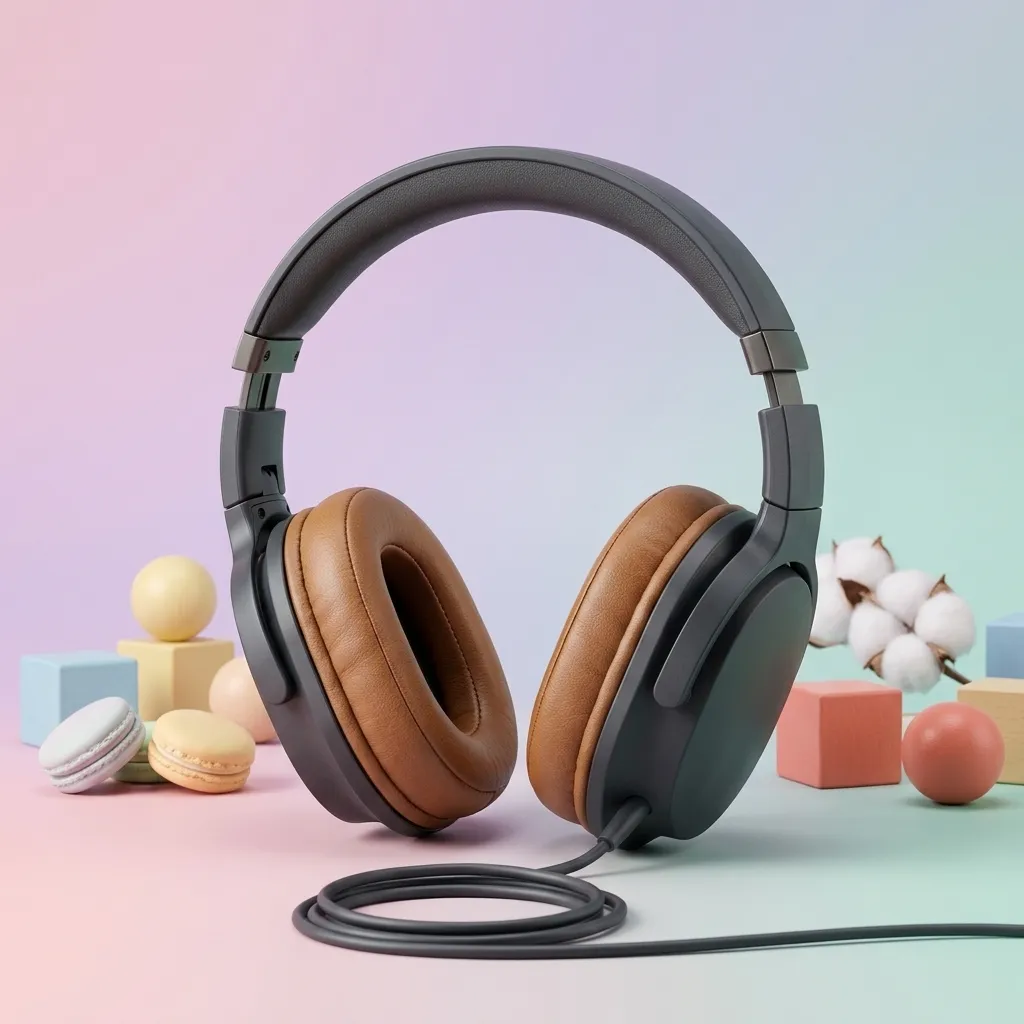
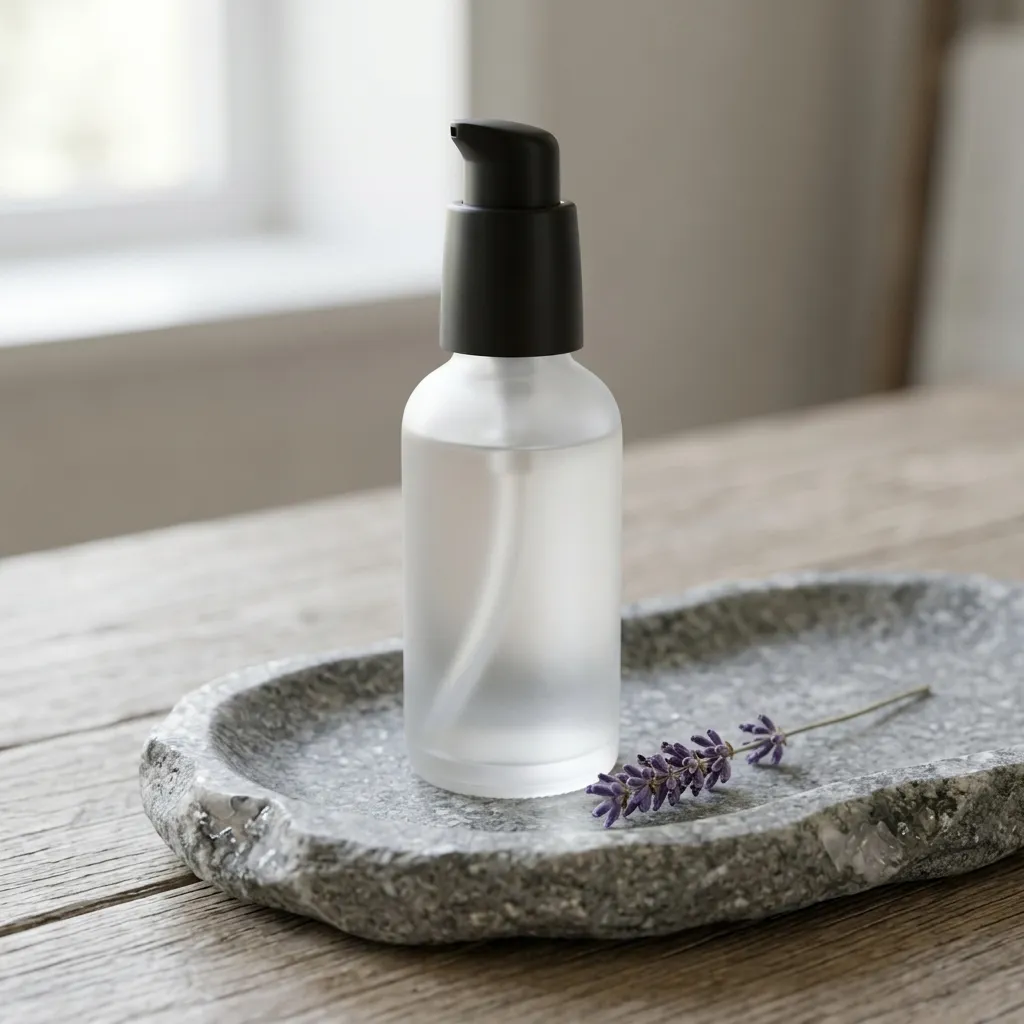
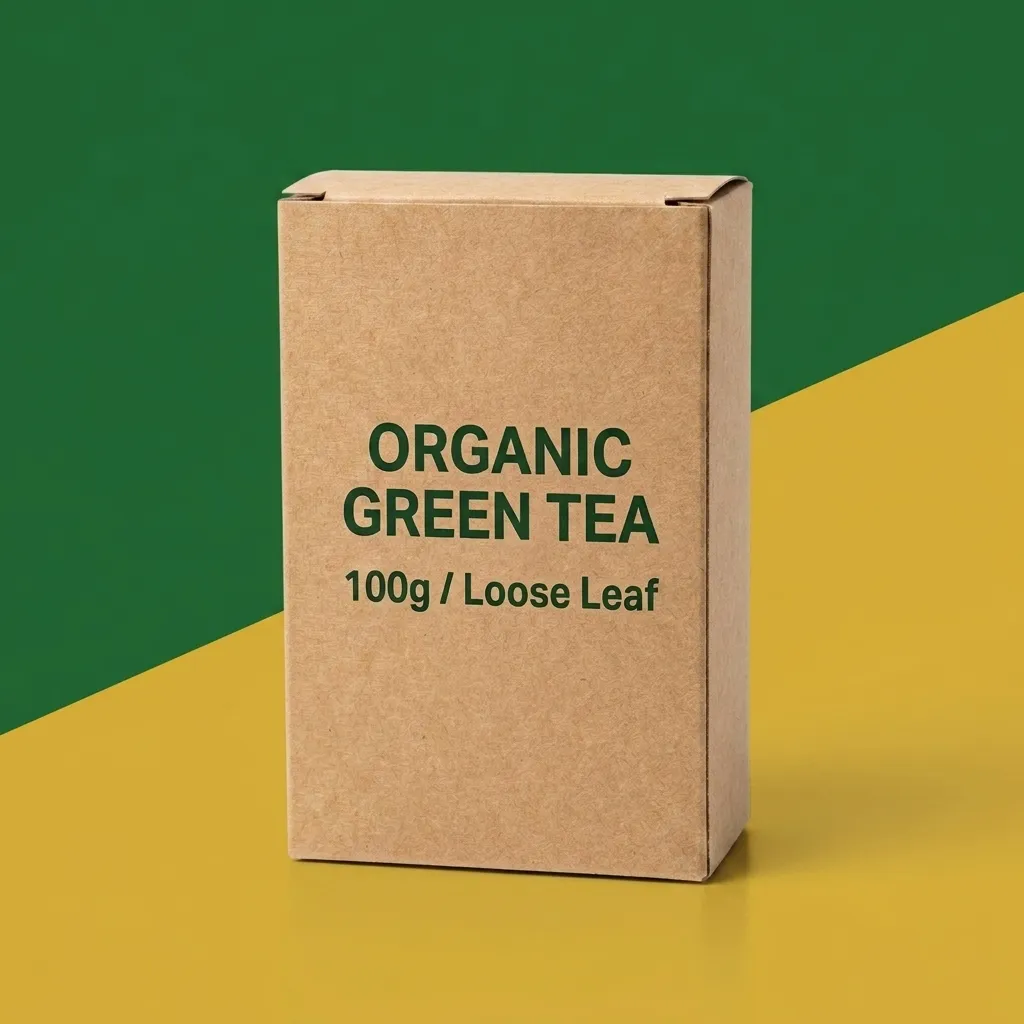
Expand the canvas and let AI fill the new area coherently, turning a square shot into a banner or a vertical social post.


How it works
- 1
Upload your image
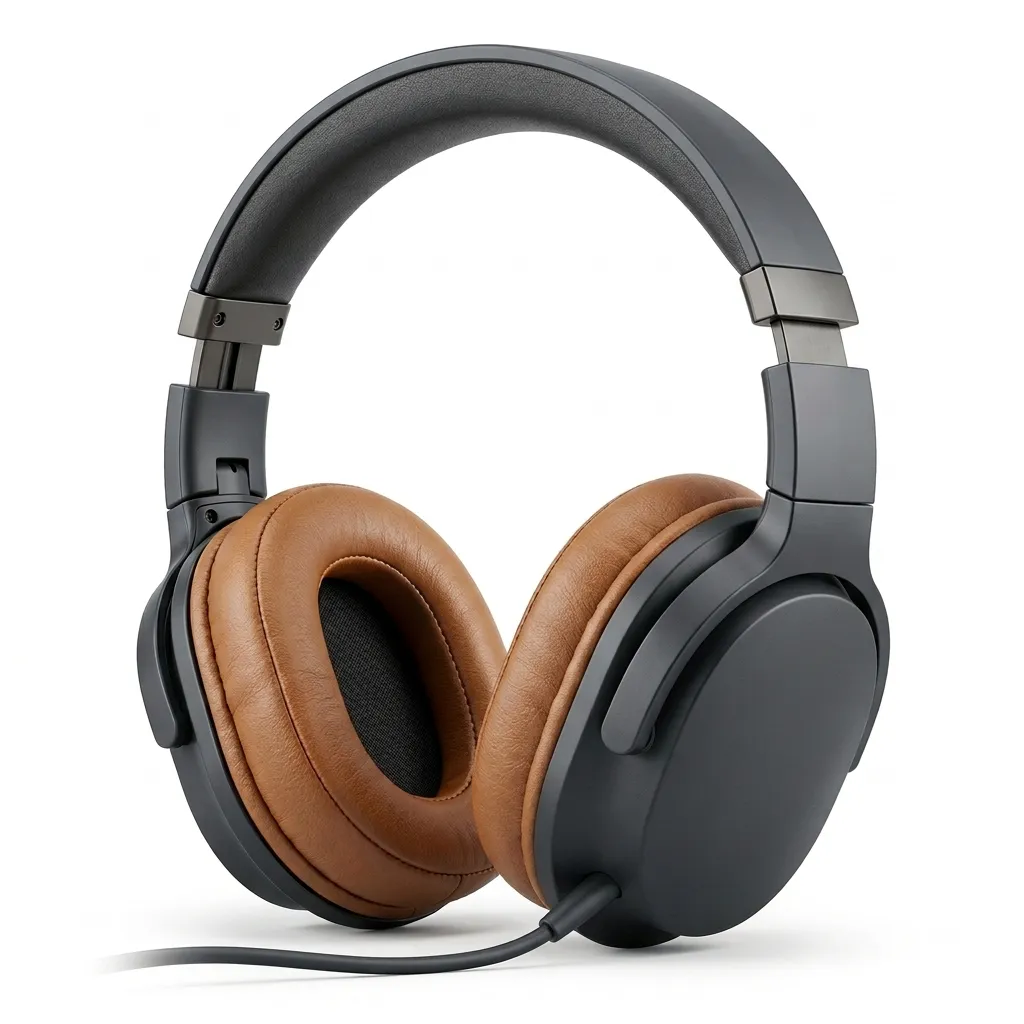
Drop in a product shot, a white-background photo or a model photo. AI cuts out the subject automatically and you can refine the edges by hand.
- 2
Choose a preset
Pick a scene, model or template from the library, or describe what you want in plain language.
- 3
Generate and export
Generate four variations at once, compare them against the original, then export at any marketplace size.
Frequently asked questions
How many credits does one generation cost?
Image generation starts at 2 credits per image and video starts at 20 credits per clip. The exact cost is shown before you confirm, and failed generations are refunded automatically.
Can I use the results commercially?
Yes. Everything you generate belongs to you and can be used on any marketplace or social platform.
What image formats and sizes are supported?
JPG, PNG and WebP up to 20MB. Output ranges from 512x512 to 2048x2048, with built-in presets for Amazon, Shopify, TEMU, Walmart and TikTok Shop.
Do I need design skills?
No. Pick a template, upload your product and the AI handles cutout, lighting, composition and export sizing.